WordPress plugins: the 8 we always install and the 5 we never do
“The 50 best plugins” lists don't help you decide. They help you install fifty plugins. This is ours, and it's short on purpose: what we put on every website we maintain, what we never install, and the technical reason behind each decision.
The underlying rule is simple: every active plugin is code that runs on every visit and a door someone has to keep shut. Ten well-chosen plugins run faster and break less than thirty.
The 8 we always install
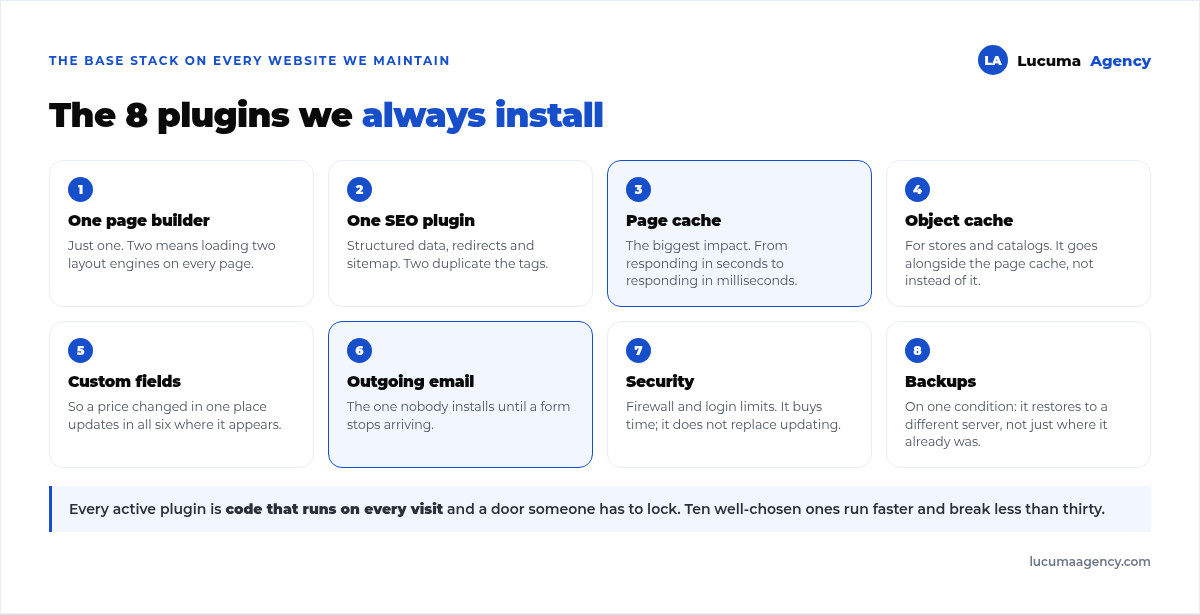
1. A page builder. Just one. Ours is Bricks, because of how lean its HTML is and because it lets us work with real templates. What matters isn't which one you pick but that there's only one: two builders on the same site mean loading two layout engines on every page. The reasoning behind our choice is in Bricks vs Elementor vs Gutenberg.
2. An SEO plugin. We use SEOPress. It does the same as the well-known ones while weighing less, and its pro version includes what we actually use: structured data, per-page redirects and sitemaps. Here too: one, never two. Two active SEO plugins duplicate the tags, and Google ends up reading the wrong one.
3. Page cache. The one with the biggest impact of the eight. Without it, every visit forces WordPress to rebuild the entire HTML; with it, the server delivers a ready-made file. It's the difference between responding in two seconds and responding in tens of milliseconds.
4. Object cache, for stores and catalog sites. It keeps the results of repeated database queries in memory. In a store with hundreds of variations, this alone changes the cart experience. It goes alongside the previous one, not instead of it: they complement each other.
5. Custom fields. For anything beyond a standalone page (projects, properties, products with spec sheets), you need to structure the content in dedicated fields instead of typing it by hand on each page. That's what lets the client update a price in one place and have it change in the six places where it appears.
6. Authenticated outgoing email. The thing that breaks the most forms in Peru, and the one nobody installs until it fails. WordPress tries to send through the server's mail function, which on most hosting providers doesn't work or lands in spam. With an authenticated relay, it no longer depends on the server's IP. We wrote a whole article about it: when your form submissions don't arrive.
7. Security. Firewall, login attempt limits and alerts for modified files. It doesn't replace updating, which is the real defense, but it buys time. The full picture is in WordPress security.
8. Backups. With one condition: it has to let you restore to a different server, not just the same one. A backup that can only be restored where it already was won't save you from a hosting outage. We cover the full routine in WordPress backups.
Eight. And most corporate websites don't need much more: a form (the page builder almost always includes one), the tracking container and little else.
The 5 we never install
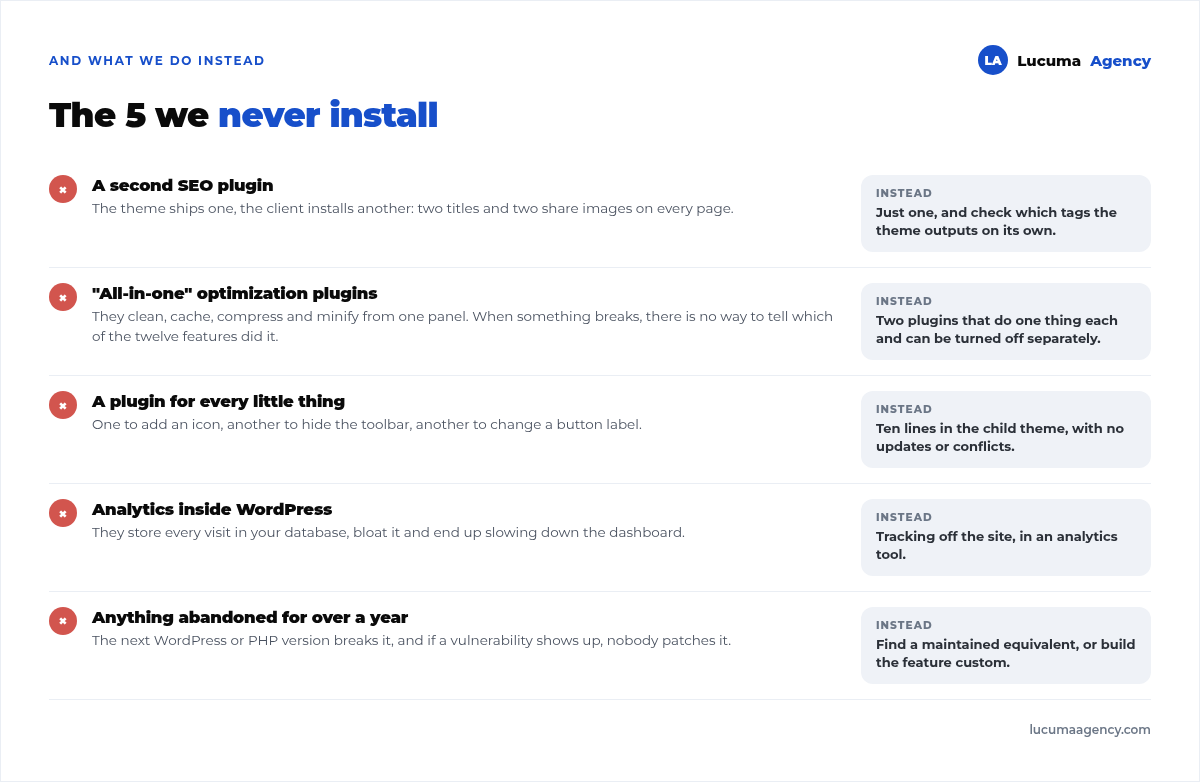
1. A second SEO plugin. It happens more than you'd think: the theme ships with one, the client installs another. The result is two title tags and two social sharing image tags on every page. We see it often in audits, even on our own website, which currently outputs two of each because of the theme.
2. “All-in-one” optimization plugins. The ones that promise to clean, cache, compress, defer and minify from a single panel. When something breaks (and it does), there's no way to tell which of the twelve features caused it. We'd rather have two plugins that each do one thing and can be turned off separately.
3. A plugin for every small feature. One plugin to add an icon, another to hide the admin bar, another to change a button's text. Each one means updates, conflicts and code on every visit. Almost all of that is ten lines in the child theme.
4. Analytics inside WordPress. They store every visit in your database, bloat it and end up slowing down the dashboard. Tracking belongs outside, in an analytics tool, as we explain in how to track conversions with Tag Manager and GA4.
5. Anything not updated in over a year. Abandoned means the next version of WordPress or PHP will break it, and if a vulnerability shows up, nobody will patch it. It's the most common way in on the hacked sites that come to us.
When a custom plugin makes sense
There's one case the lists never cover: when what you need exists in the repository but none of the existing options works.
It happened to us with a Peruvian online store that needed two very specific things at checkout: a validated DNI and a district picked from a real list, not typed by hand. We tried three ubigeo plugins on the market and none of them worked. We ended up writing our own with the country's 25 departments, 197 provinces and 1,835 districts, which also stores the six-digit ubigeo code required by electronic invoicing and couriers.
That plugin is lighter than any of the three we tried, does exactly what that business needs and doesn't have a settings panel with forty options nobody will ever touch. When it's worth building one and when it isn't, we explain in how to build a custom plugin.
How we decide whether a plugin gets in
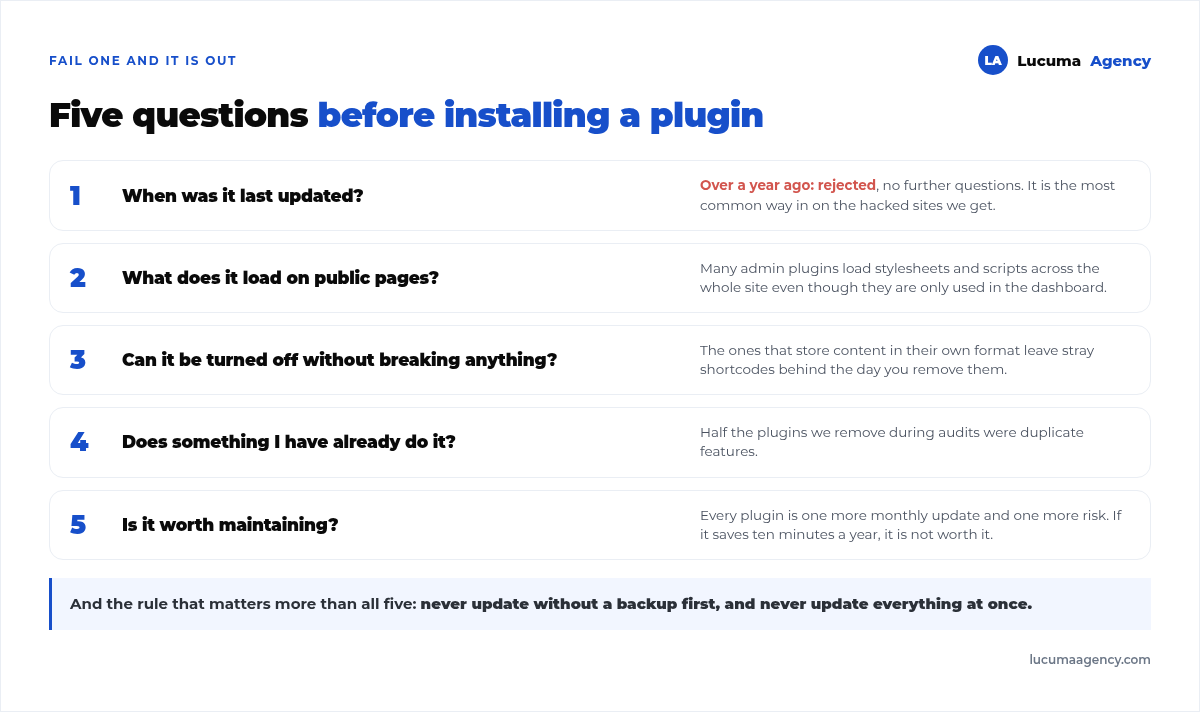
Five questions, in this order. If any of them fails, it doesn't get in:
- When was it last updated? Over a year ago: ruled out without looking any further.
- What does it load on public pages? Many dashboard plugins load stylesheets and scripts across the whole site even though they're only used in the admin panel.
- Can it be deactivated without breaking content? The ones that store content in their own format leave you with stray shortcodes the day you remove them. That's the hidden cost of page builders and many block plugins.
- Does something I already have do this? Half of the plugins we remove were duplicate features.
- Is it worth the maintenance? Every plugin is one more monthly update and one more risk. If it saves ten minutes a year, it isn't worth it.
And one operating rule that's worth more than all five: never update without a backup first, and never update everything at once. That and the rest of the routine are in WordPress maintenance.
Frequently asked questions about WordPress plugins
How many plugins is too many?
There's no magic number; what matters is what each one does. Twenty lightweight plugins that only run in the dashboard weigh less than three that load scripts on every page. That said, when we go past thirty on a corporate website, we almost always find duplicates.
Are free plugins worse than paid ones?
Not because they're free. What you get with a paid one is support and a steady update schedule, which is exactly what matters for something that lives connected to the internet. Several of ours are paid for that reason, not for features.
Can I uninstall a plugin without breaking my website?
It depends on whether it stores content. Cache, security or email plugins can be removed with no consequences. Page builders and custom field plugins leave content in their own format: deactivating them without a plan leaves pages full of stray shortcodes. Always with a backup first.
Which plugin should I use to make my website fast?
A page cache plugin, and then measure. But if the problem is the server or how WordPress boots up, no plugin will fix it. First you measure where the time goes; we explain it in how to speed up your website.
Do I need a forms plugin?
Usually not: modern page builders come with forms that save submissions to the database and send email. What you always do need is an outgoing email plugin; without it, the form seems to work and the message never reaches anyone.
Conclusion
The best plugin stack is the shortest one that covers what your website really needs: a page builder, an SEO plugin, caching, custom fields, email, security and backups. Everything else has to be justified one by one, with the five questions, and removed as soon as it's no longer used.
In Lucuma Agency, digital marketing agency in Lima, the stack is defined from day one of every project and reviewed at every maintenance round. If you'd like us to look at yours, check out our services or book a free consultation: in 30 minutes we can see what's unnecessary.
Other posts you might like
At almost every real estate developer we work with, the lead takes the same absurd trip: it comes in through the form...
Switching servers is scary for a sensible reason: you rarely do it, and when it goes wrong, it goes wrong in public....
The question always comes the same way: “which payment gateway do you recommend?” And the useful answer doesn't start with a name, because the...
There's a moment, in quite a few projects, when the search for the right plugin becomes the problem. You tried three,...
Almost every online complaints book we audit complies on the outside and fails on the inside. They have the notice,...
The message came in like this: “the complaints book is throwing an error.” The Proba Inmobiliaria website, a page required by law,...
“Top 50 plugins” lists don't help you decide. They help you install fifty plugins. This is ours,...
Almost every business we ask has backups. Almost none has ever restored one. Those two sentences together are...
Almost every hosting conversation starts with price and ends up in the wrong place. The useful question is...
When a business wants to sell outside its country, the conversation almost always starts off wrong: with translation. And the...
Structured data is the piece of code that explains to Google, in a language that leaves no room for interpretation,...
The question comes up in almost every meeting: “if I use AI to write, will Google penalize me?” The short answer...